 Havec AI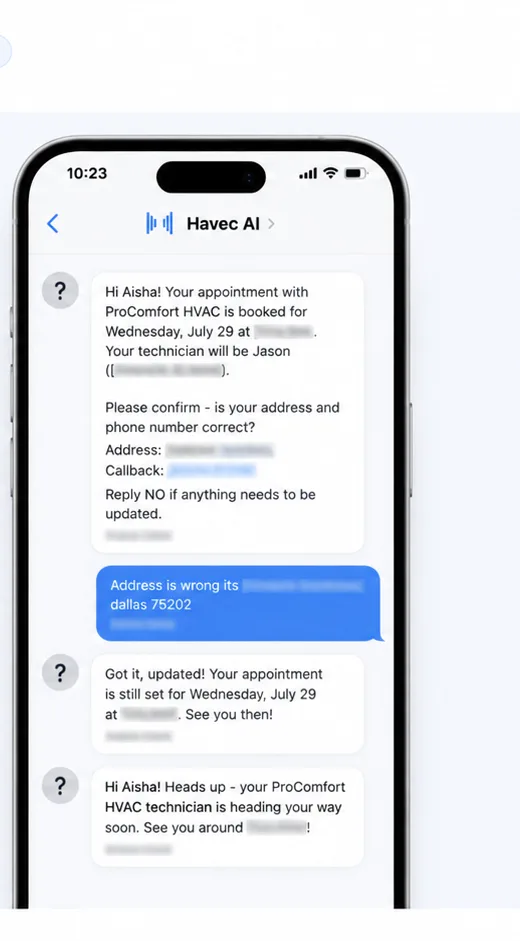



Stop losing time to avoidable appointment problems
A booked job can still create work for your team. A customer may forget the appointment, wait without knowing the time window, send the crew to an old address or call to ask for details your office has already provided.
For a home service contractor, those interruptions compete with estimates, active jobs and new leads. When the owner or crew is on site, calls can go to voicemail. A confirmation and reminder sequence gives the customer useful information after the booking, while appointments and dispatch stay visible to the people doing the work.
Havec is built for that post-booking workflow. It sends customer SMS messages for confirmations and reminders, supports technician and time window details, and covers address corrections alongside the appointment and dispatch information behind them.
How appointment reminder text works
The workflow starts after an eligible job is booked.
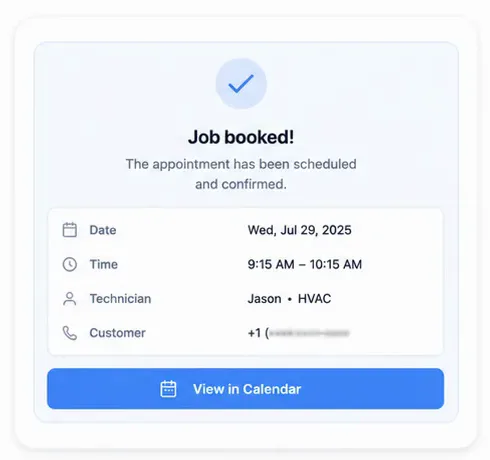
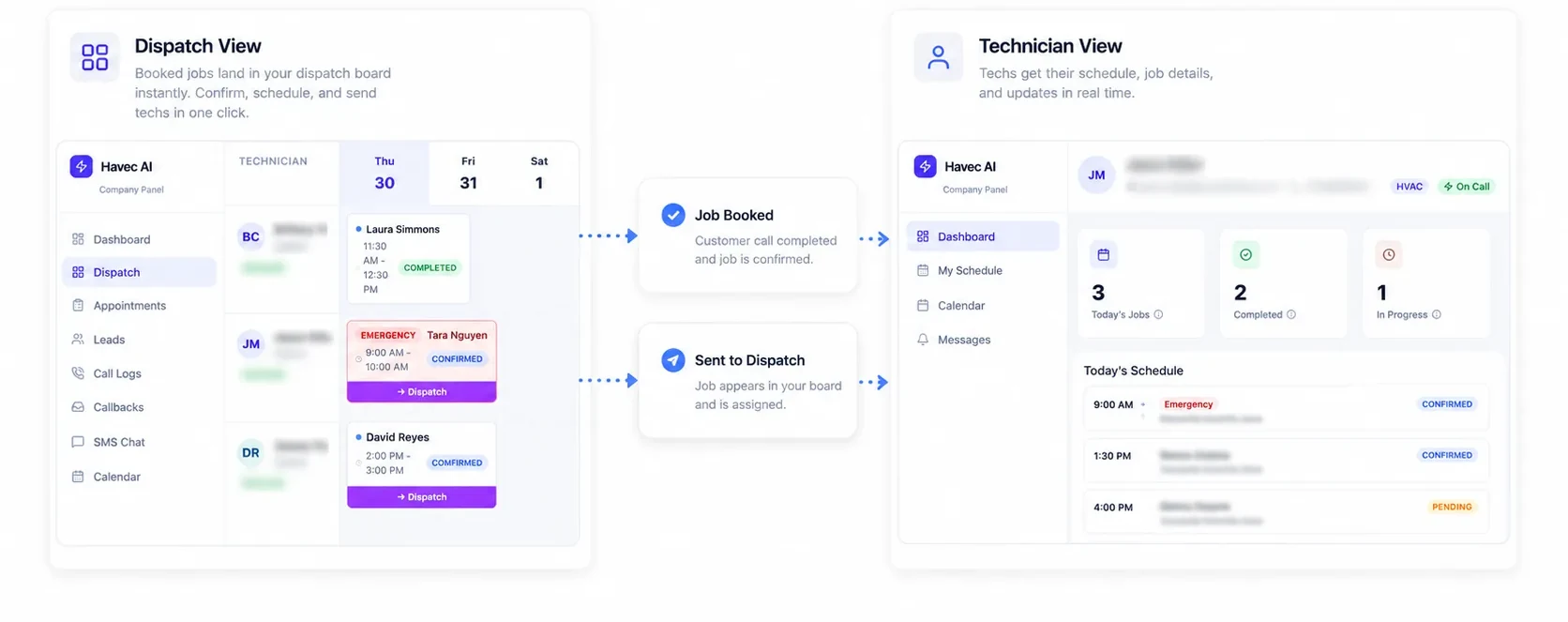
- The appointment is placed on the calendar. Havec connects the customer-facing SMS workflow with the appointment and dispatch information your team uses.
- The customer receives a confirmation with the relevant appointment details, including technician and time window information when configured for the job.
- If the address needs correcting, the workflow gives the customer a way to flag that issue before the visit so your team has a clearer opportunity to resolve it.
- Reminder messages go out before the appointment. The customer has the key details again without needing to call the office for a basic status check.
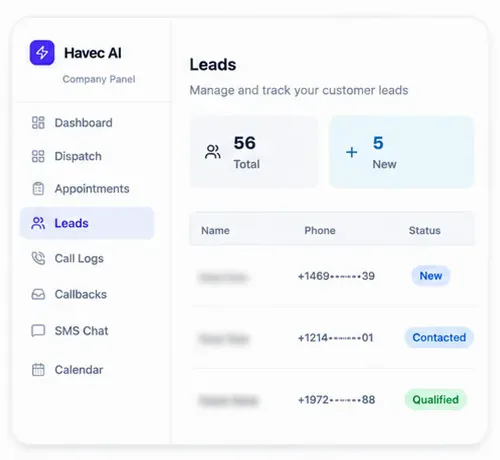
- Your team works from the appointment, dispatch board and technician view. Havec also keeps calls, texts and web enquiries in one leads inbox, so the post-booking conversation does not sit in a separate thread with no context.
Start with a free 20-minute demo to scope your setup and receive a quote; configuration then takes about one week. Havec configures the relevant business rules, service areas, technicians, schedules and follow-up process for you.
What you get beyond a reminder message
This is not only a scheduled text. The SMS workflow sits inside Havec's done-for-you front office for home service contractors.
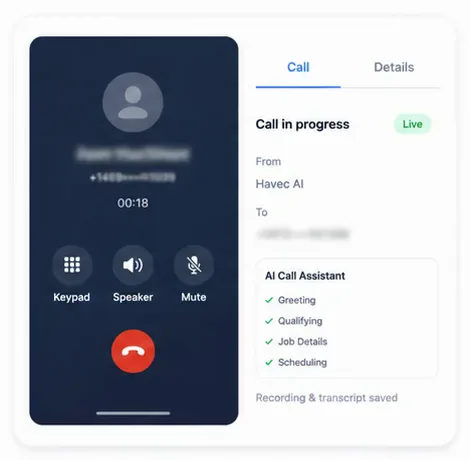
You get appointment confirmations and reminders connected to the calendar and dispatch process, a technician view for the people completing the work, and one inbox for calls, texts and web enquiries. Havec also answers inbound calls, books eligible jobs and routes work to technicians. Calls can be recorded and transcribed, giving your team a reference for what was discussed.
The scope is set around your operation rather than a generic sequence. During the free 20-minute demo, Havec reviews the setup and tells you the price. Configuration then takes about one week.
Who appointment reminder text is for
This page is for HVAC, plumbing and electrical contractors first, with the same operating context applying to other home service businesses. It fits teams that receive emergency or after-hours demand, buy Google or Facebook leads, or do not have a consistent receptionist available to handle every customer message.
It is especially relevant when crews are on site and the owner cannot keep answering calls about appointment details. Havec is sold through a free 20-minute demo and configured for the business. It is not a self-serve text template that your team must build alone.
See how the workflow fits your business
Book a free 20-minute demo. Havec will scope your appointment, dispatch and SMS setup, show you the AI live and quote the price. If you proceed, configuration then takes about one week.
The demo is the first step. There is no published price to compare here because the cost is quoted after the setup is scoped. The goal is to show how confirmations, reminders, address corrections and technician details can fit the way your team already books and routes work.